Hidden components and assemblies
Expose the components that a viewer cannot see in a complete product.
 Start a project ↗
Cutaway & Interactive Models
Expose components, relationships and mechanisms that a complete outer shell cannot show. Define the interaction needed for your audience.
Discuss your model ↗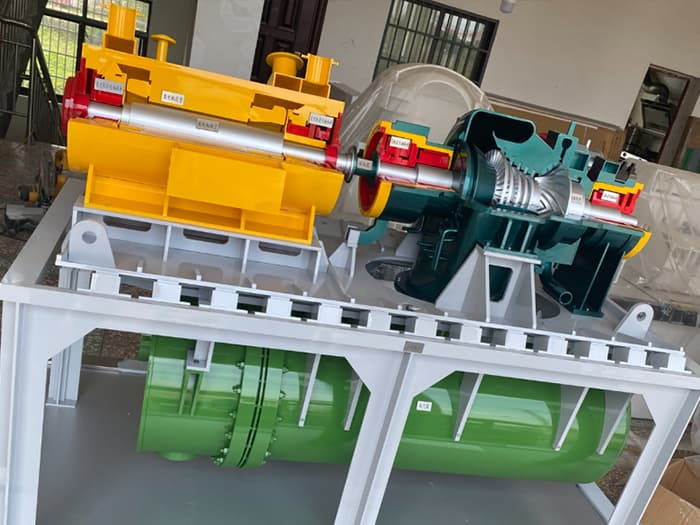
An outer shell can hide the very feature that makes a product worth explaining. An engineering cutaway model makes selected internal relationships visible while preserving enough exterior form to show where they belong.
Expose the components that a viewer cannot see in a complete product.
A sectional model can show how parts sit alongside or within one another.
Use the physical arrangement, labels and lighting to help explain internal routes.
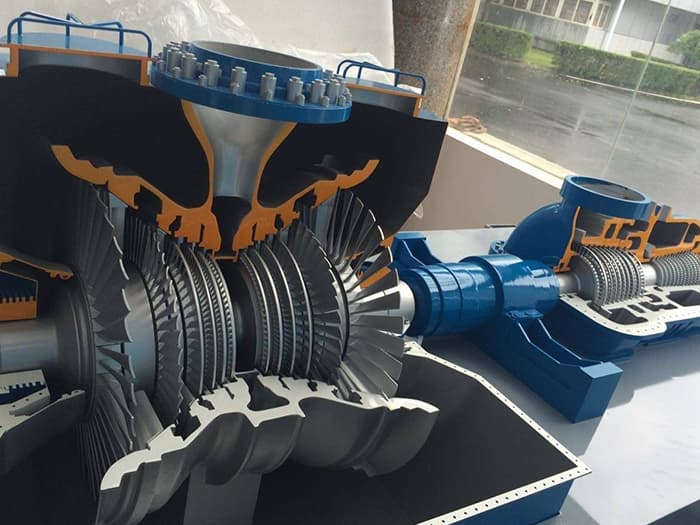
Remove a selected portion of the represented outer form so the important internal components remain in view.
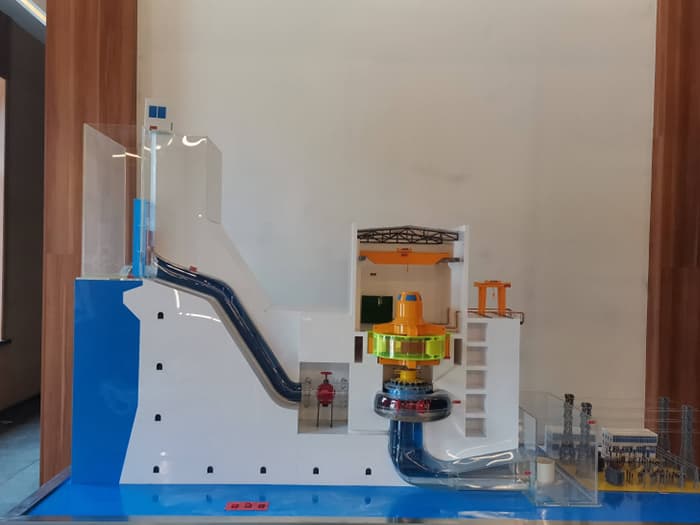
A transparent model or housing can retain the outer shape while allowing an internal view.
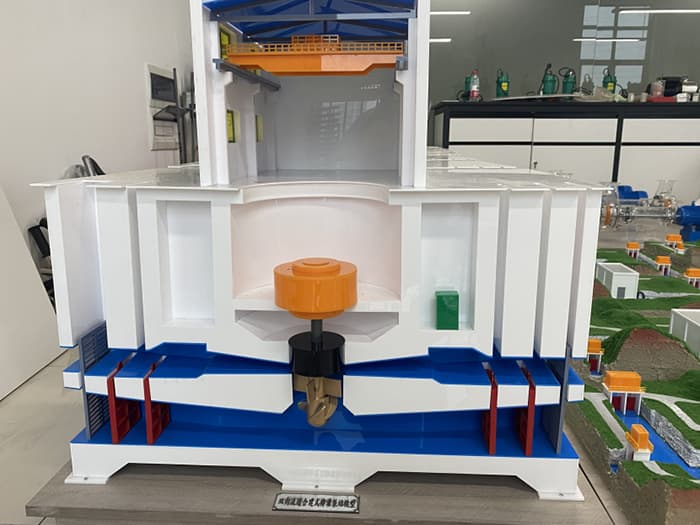
An open-section model can prioritise an assembly or cross-section over a complete exterior.
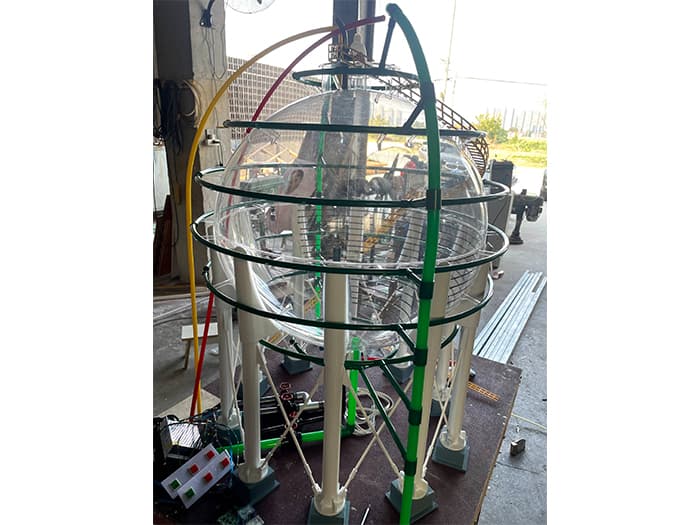
Interaction should help the audience discover a relationship inside the model. Define what the viewer selects or operates, then what becomes clearer as a result.
Discuss controls that direct attention to selected components or areas.
Explain whether the model is presenter-led or available for visitor interaction.
Provide the questions the model should answer and the components each interaction should identify.
Help a trainer point to internal components and explain their relationship to the complete object.
Give technical and non-technical audiences a shared physical reference.
Let visitors see what a closed product conceals.
RELATED PROJECTS / MODEL PHOTOGRAPHY
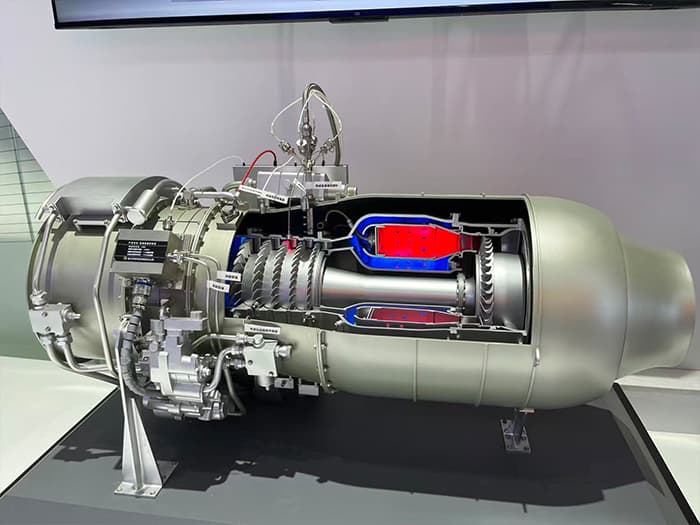
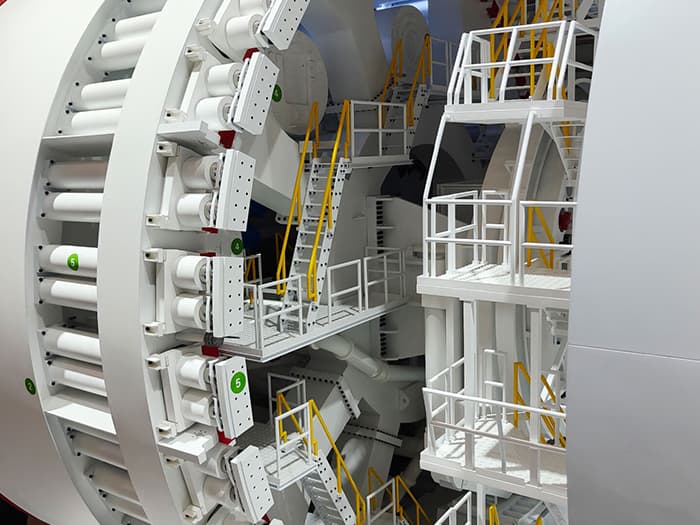
Identify the hidden components and relationships the audience needs to understand. Technical drawings, viewing direction and the remaining exterior form help determine the section.
Transparent sections are an option to discuss where retaining the outer shape matters. Visibility depends on the material, surrounding parts and display lighting, so the approach needs review.
No. Controls and lighting can help viewers identify internal areas without mechanical movement. The interaction should be chosen for the explanation it supports.
Send engineering references, the components to reveal, the intended audience and viewing direction. Include target size, labeling, interaction and handling requirements.
If movement is central to the explanation, explore working and demonstration models.
For complete machinery, equipment or facilities, explore industrial scale models.
For exhibition presentation and showroom planning, explore display models.
FROM YOUR BRIEF TO A PHYSICAL MODEL
Share your idea, drawings, scale and target date.